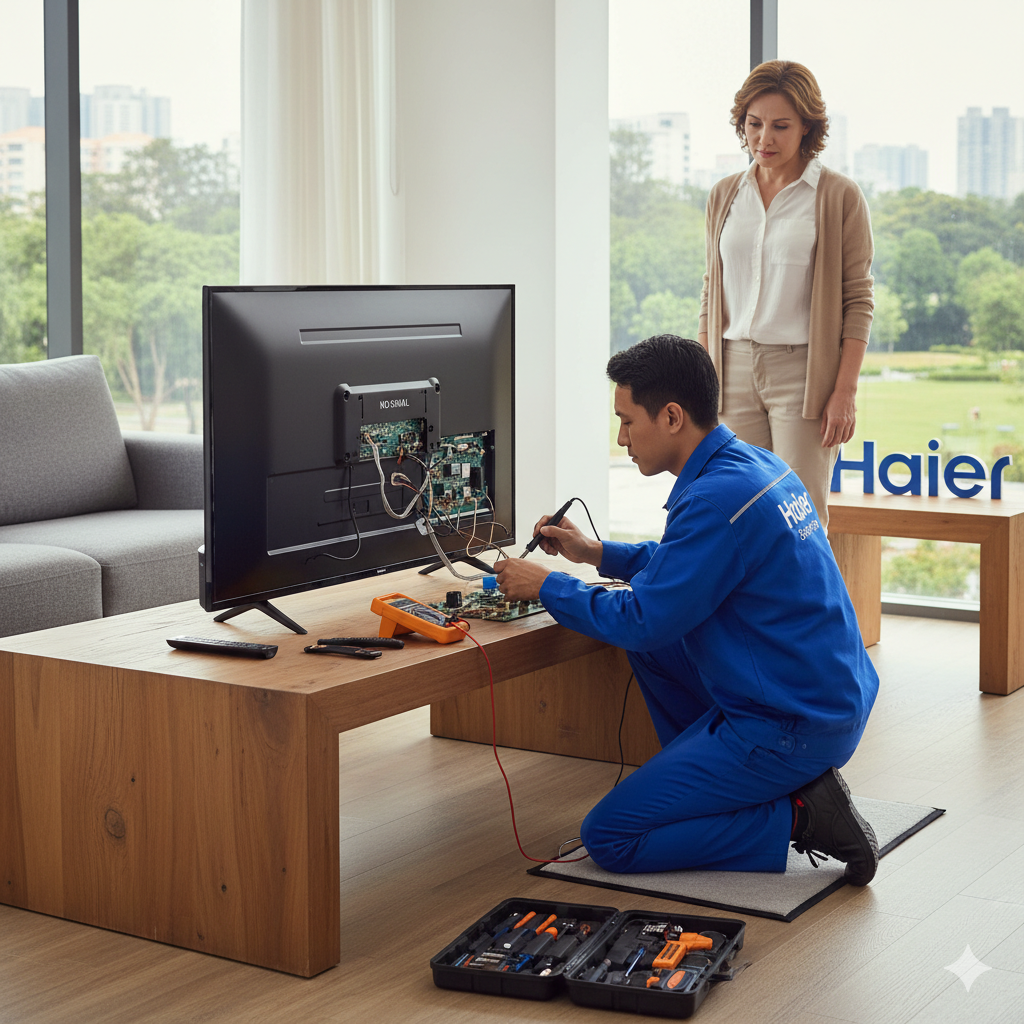

Introduction
A television screen that suddenly develops lines or begins to flicker can be frustrating and concerning. These visual disturbances not only affect picture quality but may also indicate deeper technical issues. Haier TVs are designed with advanced display technology, yet factors like power fluctuations, prolonged usage, or internal component wear can still lead to such problems. Understanding the causes and knowing the right steps to take can help you prevent further damage and restore your viewing experience. This detailed guide explains what to do when screen lines or flickering appear and when professional repair becomes necessary, starting with insights from a Haier TV Service Center
Understanding Screen Lines and Flickering Issues
Screen lines usually appear as thin horizontal or vertical streaks across the display, while flickering is seen as rapid brightness changes or unstable images. These issues may occur intermittently at first and gradually become constant. In many cases, they are symptoms of signal disruption, power instability, or display panel stress.
Environmental factors such as heat, humidity, and dust accumulation can worsen the problem over time. Ignoring early signs may result in permanent damage to internal components, making timely action essential.
Common Reasons Your Haier TV May Show Lines
One of the most common causes is loose or damaged internal connections. Ribbon cables connecting the display panel to the main board can loosen due to vibration or prolonged heat exposure. Another cause may be physical pressure on the screen, which can damage delicate pixels.
A faulty T-Con board is also a frequent culprit. This component controls the timing of image signals sent to the panel. When it malfunctions, lines or uneven images may appear. In older TVs, aging panels themselves may begin to show persistent lines.
Why Flickering Happens on TV Screens
Flickering often stems from inconsistent power supply. Voltage fluctuations, common in many areas, can interfere with stable screen performance. Incorrect picture settings, such as overly aggressive contrast or motion enhancement, may also cause the display to flicker.
External devices connected to the TV can introduce compatibility issues. If the refresh rate or resolution settings do not match, the TV may struggle to display a steady image. Software glitches or outdated firmware can further aggravate the issue.
Initial Troubleshooting Steps You Can Try
Before opting for professional repair, you can try a few basic steps at home:
- Switch off the TV and unplug it for at least five minutes to reset internal circuits.
- Check all HDMI and external cables and reconnect them firmly.
- Test the TV with a different input source or cable.
- Reset picture settings to default and disable unnecessary enhancements.
- Update the TV software if an update is available.
If these steps do not resolve the issue, the problem is likely internal and requires expert attention.
When Professional Repair Is the Best Option
Persistent lines or flickering usually indicate hardware-related faults. Components such as power boards, signal boards, or the display panel require specialized tools and technical expertise. Attempting to open the TV without proper knowledge can cause additional damage and increase repair costs.
Professional technicians can accurately diagnose the issue and recommend the most effective solution, whether it involves part replacement, recalibration, or software optimization.
Haier TV Service Center in Thane
A Haier TV Service Center in Thane provides structured diagnostic and repair solutions for screen-related problems. Technicians focus on identifying issues such as panel stress, T-Con board failure, and power instability. Using systematic testing methods, the service aims to restore stable picture quality while ensuring internal components function correctly. This approach helps reduce repeat issues and improves the overall reliability of the television under local usage conditions.
Haier TV Service Center in Mumbai
A Haier TV Service Center in Mumbai caters to a wide range of TV models used in urban households. Screen lines and flickering caused by signal board issues, software conflicts, or backlight problems are handled through detailed inspection procedures. Technicians emphasize precision repairs that maintain display clarity and color balance. Timely servicing ensures that televisions continue to perform well despite extended daily usage.
Haier TV Service Center in Bengaluru
For advanced display issues, a Haier TV Service Center in Bengaluru offers methodical repair services focused on long-term performance. From diagnosing flickering caused by power board irregularities to correcting internal alignment faults, technicians ensure accurate calibration. This careful repair process helps stabilize the screen output and extends the lifespan of the TV by preventing further component stress.
Specialized Repair Services in Different Cities
Specialized repair services in different cities are designed to address regional challenges such as voltage variation, climate conditions, and usage patterns. These services include detailed panel diagnostics, power board stabilization, and firmware optimization. By tailoring solutions to local conditions, technicians help prevent recurring screen problems. Organized service support also ensures repairs follow manufacturer-recommended safety and quality standards.
Importance of Timely Screen Repair
Delaying repairs when lines or flickering appear can lead to more severe failures. What begins as a minor display disturbance may eventually affect the entire panel or main board. Early professional intervention can save costs by addressing the root cause before it escalates.
Reliable service providers such as Dial Service Centre focus on both corrective repair and preventive checks, helping maintain consistent picture quality over time.
Preventive Measures to Avoid Screen Issues
You can reduce the likelihood of future screen problems by following these practices:
- Use a voltage stabilizer to protect against power fluctuations.
- Ensure proper ventilation around the TV to prevent overheating.
- Avoid pressing or cleaning the screen with excessive force.
- Keep the TV software updated.
- Schedule periodic professional inspections to detect early faults.
These steps contribute significantly to long-term display stability.
Conclusion
When a TV screen shows lines or flickering, it is often a warning sign of underlying technical issues. While simple troubleshooting may resolve minor problems, persistent display faults require professional expertise. Timely servicing ensures accurate diagnosis, safe repairs, and restored picture clarity. With proper care and expert attention from Dial Service Centre, your television can continue delivering a reliable and enjoyable viewing experience for years.
Frequently Asked Questions
1. What causes lines to appear on a Haier TV screen?
Lines are commonly caused by loose internal connections, panel stress, or signal board issues.
2. Can flickering be fixed without replacing the display panel?
Yes, many flickering problems are resolved through power board repair, calibration, or software updates.
3. Is it safe to keep using a TV with screen flickering?
Continued use may worsen internal damage, so timely repair is recommended.
4. Do external devices cause screen flickering?
Yes, incompatible resolution or refresh rate settings from connected devices can trigger flickering.
5. How long does professional screen repair usually take?
Most repairs are completed within a few days after proper diagnosis, depending on the issue.
Read Our Previous Blog —————> Does the Sharp TV service center repair remote control and IR sensor issues?

Leave a Comment